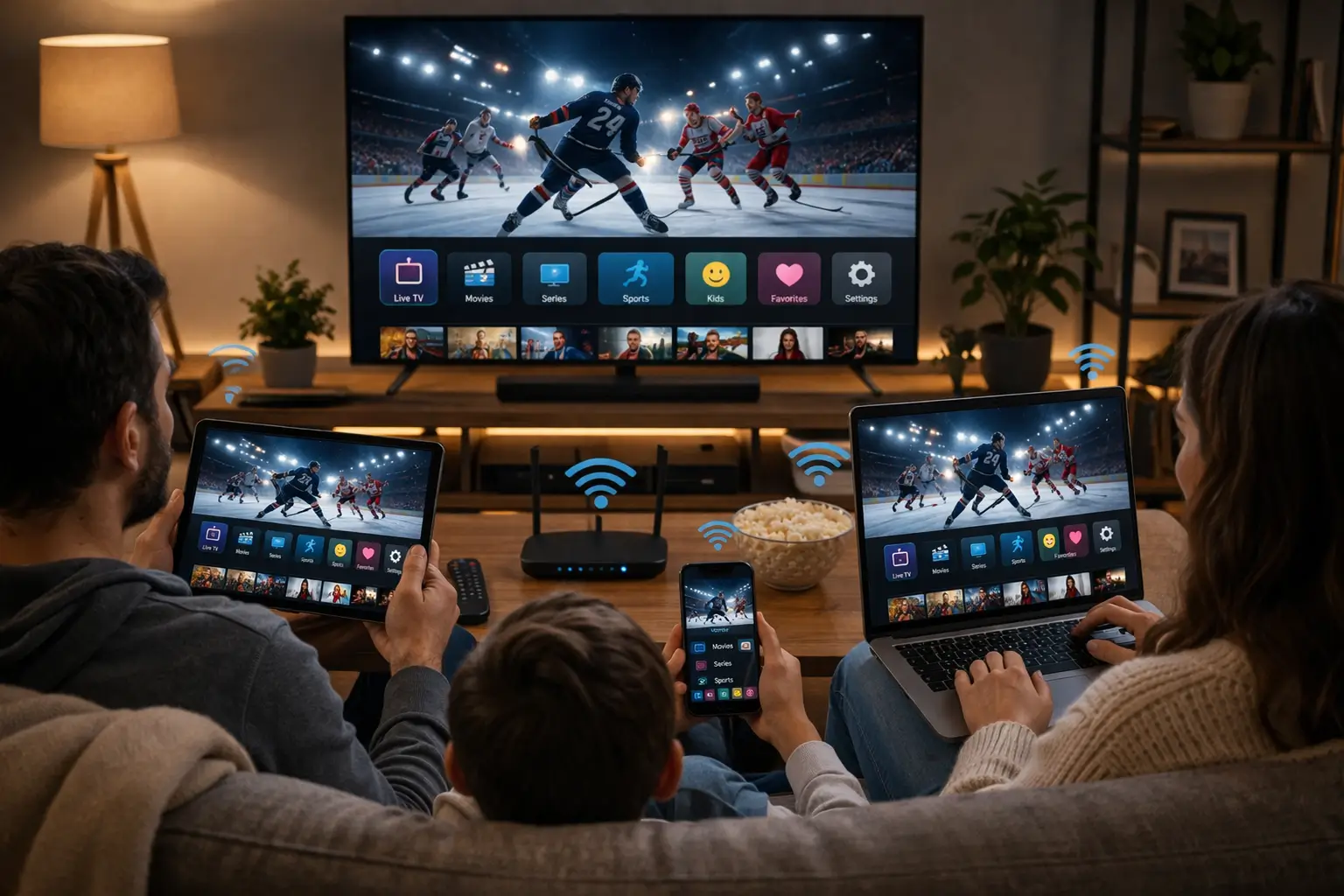
Comparing IPTV vs cable is less about crowning a winner and more about matching a way of watching TV to the way your household lives. Cable has been the default in many Canadian homes for decades: a line in the wall, a box under the TV, a remote that everyone knows. IPTV is newer and runs entirely over the internet, on the screens you already own. Each has genuine strengths and genuine limits, and a fair comparison has to show both.
This page compares them on the points that shape daily life: how the picture reaches you, content, the TV guide, flexibility, equipment, installation, contracts, picture quality and reliability. We do not name companies or quote anyone’s prices, because offers change and every region is different. Instead, you will find the questions to ask, five household scenarios and a decision matrix so you can decide for yourself. This comparison is part of our IPTV guide, which covers every stage of the decision.
IPTV vs cable: the quick comparison
Here is the overview in one table. Each row is explained in its own section further down, with the details that matter in a real home. Read it as a list of trade-offs rather than a scoreboard: a point that matters a lot to one household may not matter at all to another.
| Point | IPTV | Cable |
|---|---|---|
| How TV arrives | Through your home internet connection | Through a dedicated line from the provider |
| Equipment | Your own supported device and a player app | A provider box, sometimes one per TV |
| Installation | Done yourself, usually the same evening | Can require a technician visit |
| Screens | TVs, boxes, sticks, phones, tablets and PCs | Mainly TVs connected to a box |
| Live and on demand | Usually together in one app | Varies by offer; on demand may be separate |
| Commitment | With IPTV Canada: one-time payment, no contract, no automatic renewal | Varies by offer; some include a contract or recurring billing |
| Dependence on home internet | High: quality follows your connection | Low for the TV signal itself |
If you only read one row, read the last one. It explains most of the differences above it. Because IPTV travels over your internet, it can follow you onto any screen and does not need a dedicated line, but it also depends on that internet being steady at the TV. Cable is tied to its own line and box, which limits where and how you watch, but its picture does not compete with your household’s laptops and phones. If you are new to the topic, our page on what IPTV is explains the technology in plain English before you dive into the details.
How each one reaches your TV
Understanding the delivery path makes every other difference easier to follow. With cable, the provider runs a line to your home, and a box decodes the signal for one TV. The signal is managed end to end by the provider, on infrastructure built for television. Each additional TV usually needs its own box or an extra outlet.
With IPTV, television travels the same way as everything else you do online. The provider’s servers send the stream across the internet to your router; your router passes it to a device by cable or Wi-Fi; a player app on that device decodes it and shows it on screen.
The practical consequence is simple. With cable, the path to the TV is the provider’s job. With IPTV, the last stretch, from your router to the screen, is yours. That is good news for flexibility, because you choose the device and the room. It also means a weak Wi-Fi signal in the basement affects IPTV in a way it would never affect cable. Most of the advice on this page about picture quality comes back to that last stretch.
Tip: before you compare anything else, run a speed test on the device you would use for IPTV, at the time you usually watch. We recommend 10 Mbps per screen for HD, 15 Mbps for Full HD and 25 Mbps for 4K. That one number tells you how much of this comparison applies to your home.
Content: channel packages versus one catalogue
Cable offers are usually built around channel packages. You start from a base selection and add themed bundles if you want more. On-demand content may be included, offered as an extra or provided through separate services, depending on the offer. The structure is familiar and predictable, and it suits households that know exactly which channels they follow.
IPTV tends to bring live TV and on-demand content together in one app. With IPTV Canada, live channels sit beside large libraries of series and movies, and a TV guide shows what is on now and next. The figures are published per pack, so you can compare them directly.
A large number is not automatically better, though. What matters is whether the catalogue matches what your household actually watches. If you mostly follow a handful of live channels at fixed times, both cable and IPTV may serve you well, and the decision will rest on other points. If your household prefers to watch series and movies when it suits them, a large on-demand library in the same app as live TV makes a clear difference. And if your home needs content in a particular language, ask before ordering rather than assuming; a precise written answer beats any general claim.
The TV guide and on-demand experience
Day to day, the experience of browsing matters as much as the content itself. Cable boxes come with a provider guide that everyone in the house learns quickly, with a consistent remote and layout on every TV that has a box. Recording and replay features, where offered, depend on the box and the offer.
With IPTV, the experience depends on the player you choose. That is a strength and a responsibility. You can pick the layout that suits your household: a cable-style grid, a simple list or separate sections for live, series and movies. But the guide needs a little setup the first time, such as lining it up with your time zone and building a favourites list.
Guide grid
Players such as TiviMate on Android-based devices offer a grid that will feel familiar to cable viewers.
Favourites
Mark the channels your home watches and open them first, so the big catalogue never gets in the way.
Series and movies
On-demand libraries sit in the same app, sorted by season and episode, ready whenever you are.
Profiles
Some players let each person keep their own favourites and history on the same device.
Players are made by independent publishers, and IPTV Canada is independent from them. Install them from your device’s official app store; some charge a licence, so check the current price on the app’s official website. Our page on the IPTV EPG shows how to get the TV guide in step with your time zone, and the IPTV apps hub compares the players’ layouts.
Flexibility: rooms, devices and screens
This is where IPTV and cable differ the most. A cable subscription is usually tied to the TVs connected to a provider box. Watching in another room often means another box, another outlet or both. Phones and tablets may or may not be part of the offer.
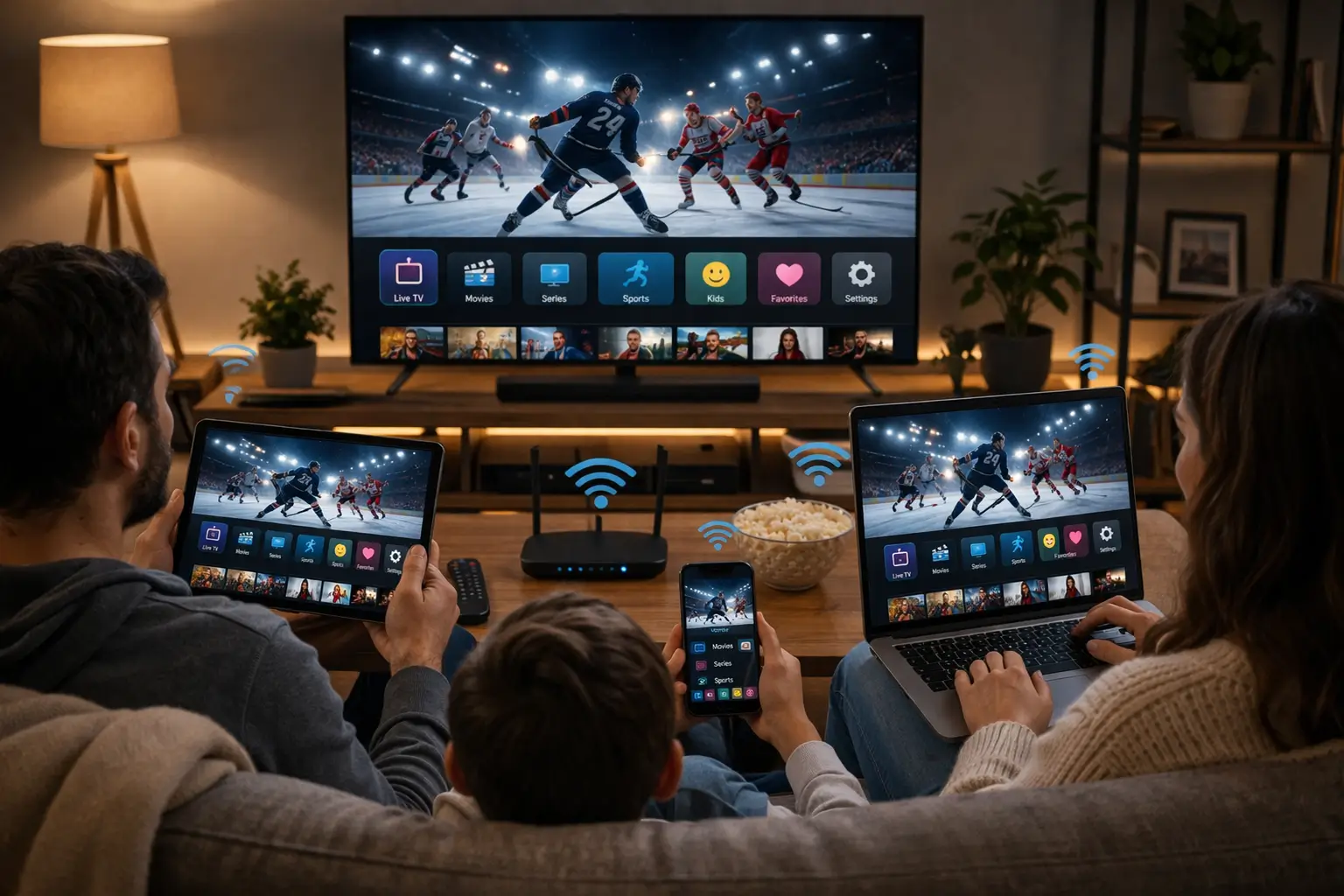
Any supported screen, one at a time
IPTV works on a Samsung or LG smart TV, an Android TV or Google TV box, a Fire TV Stick, an Apple TV, an iPhone or iPad, an Android phone or tablet, or a PC. You install the same credentials on each of them and switch from one to another.
- Living room TV in the evening
- Tablet in the kitchen at breakfast
- Bedroom box before bed
There is an important rule to understand. Each IPTV Canada pack includes 1 simultaneous connection, so you watch on one device at a time. When you move from the TV to the tablet, close the player on the TV first. If your household often needs two or more screens at once, our page on IPTV on multiple screens explains how it works, and support can tell you the conditions and price for more simultaneous screens. Keep your credentials within your household; sharing them with another home breaks the rule and interrupts everyone’s viewing.
Cable and IPTV handle extra rooms differently, so count carefully. With cable, the question is usually how many boxes you need. With IPTV, it is how many people want different screens at the same moment. A home with four TVs where everyone watches together needs only one connection; a home with two TVs used separately every evening needs to plan for two.
Equipment: provider box or your own device
With cable, equipment usually comes from the provider. Depending on the offer, the box may be rented, included or bought, and it connects to your TV with its own remote. When the box fails, the provider replaces it; when it ages, you depend on the provider’s upgrade schedule.
With IPTV, you use your own equipment. Many smart TVs can run a player directly. If your TV is older, a streaming box or stick plugged into an HDMI port does the job. You install a player such as IPTV Smarters Pro, TiviMate, Smart IPTV, IBO Player, XCIPTV or GSE Smart IPTV from your device’s official app store.
| Equipment point | IPTV | Cable |
|---|---|---|
| Device behind the TV | Your own box or stick, or none on a smart TV | A provider box |
| Choice of device | Yes, any supported device | Set by the provider |
| Works on phones and tablets | Yes, with a player from the official store | Depends on the offer |
| Equipment to return when you stop | None | Depends on the offer |
| Needs a steady home internet connection | Yes | Not for the TV signal |
Owning your device means you choose when to upgrade it, and a new box often costs less than the frustration of an old one. Our comparison of the best IPTV box in Canada sets out clear criteria, and the IPTV devices hub covers every screen we support, from smart TVs to phones.
Installation day compared
With cable, installation can mean booking an appointment, waiting for a technician and, in some homes, running a new line or outlet. In a building already wired for the provider, it may be as simple as plugging in a box. Either way, the timing is partly in someone else’s hands.
With IPTV, installation is something you do yourself, on your schedule. The timeline below shows a typical evening, from ordering to watching.
- Before ordering
Check the TV and the speed
Speed test on the viewing device, supported player found in its official store.
- At the checkout
Choose and pay once
Pack and duration, card or PayPal, in Canadian dollars. Nothing renews.
- Within minutes
Receive your access
An e-mail with Xtream Codes, a server URL, username and password, or an M3U link.
- Same evening
Install and log in
Player from the official store, details entered exactly as written.
- First session
Guide and favourites
Let the channel list and TV guide load, then mark the channels you watch.
The trade-off is that nobody comes to your home to set things up for you. For most households that is not a problem: if you can connect a TV to Wi-Fi and install an app, you can install IPTV. If you get stuck, our support team answers 7 days a week by e-mail and WhatsApp, in English and French, and walks you through each step. Our IPTV setup hub has a step-by-step guide for every player and login format.
See how IPTV fits your home
Three packs, four durations, one payment and no contract. Current prices are on the plans page.
Contracts, renewal and payment
Cable offers vary widely. Some include a fixed-term contract, recurring monthly billing or equipment rental; others are more flexible. Promotional prices may change at the end of an introductory period. Always read the terms of any offer you are considering, including what happens when a promotion ends and what is needed to cancel.
IPTV Canada works differently. You choose a duration and pay once; when the period ends, you decide whether to order again. The table sets out our terms point by point, so you can hold them up against the terms of your current service.
| Term | IPTV Canada |
|---|---|
| Durations | 1, 3, 6 or 12 months |
| One-time payment | Yes, in Canadian dollars |
| Payment methods | Card or PayPal at a standard checkout |
| Automatic renewal | No |
| Contract | No |
| Equipment rental | No, you use your own device |
| Access delivery | By e-mail within minutes |
| Simultaneous connections | 1 per pack, more on request through support |
We do not list prices on this page because they can change; see current prices on the IPTV subscription plans page. If you want to understand how cost per month varies with duration, our page on what you really pay for IPTV in Canada shows the method, and the page on paying for your subscription walks through the checkout.
Picture quality and what it depends on
Both cable and IPTV can deliver sharp pictures. The difference is in what the picture depends on. Cable quality is set by the provider’s line, box and the format of each channel. IPTV quality is set by the stream, your device and, above all, the speed that reaches your screen. IPTV Canada offers HD, Full HD and 4K; what you actually see follows your connection.
Recommended speed per screen, measured at the screen
These figures are per screen and add up when several screens play at once. If others in the house are on video calls, gaming or streaming elsewhere, their usage comes out of the same connection. The speed on your internet bill is not always the speed at the TV, especially over Wi-Fi, so measure on the viewing device. If you want to watch in Ultra HD, our guide to 4K IPTV explains what your TV, device and connection need, and when Full HD is the smarter choice.
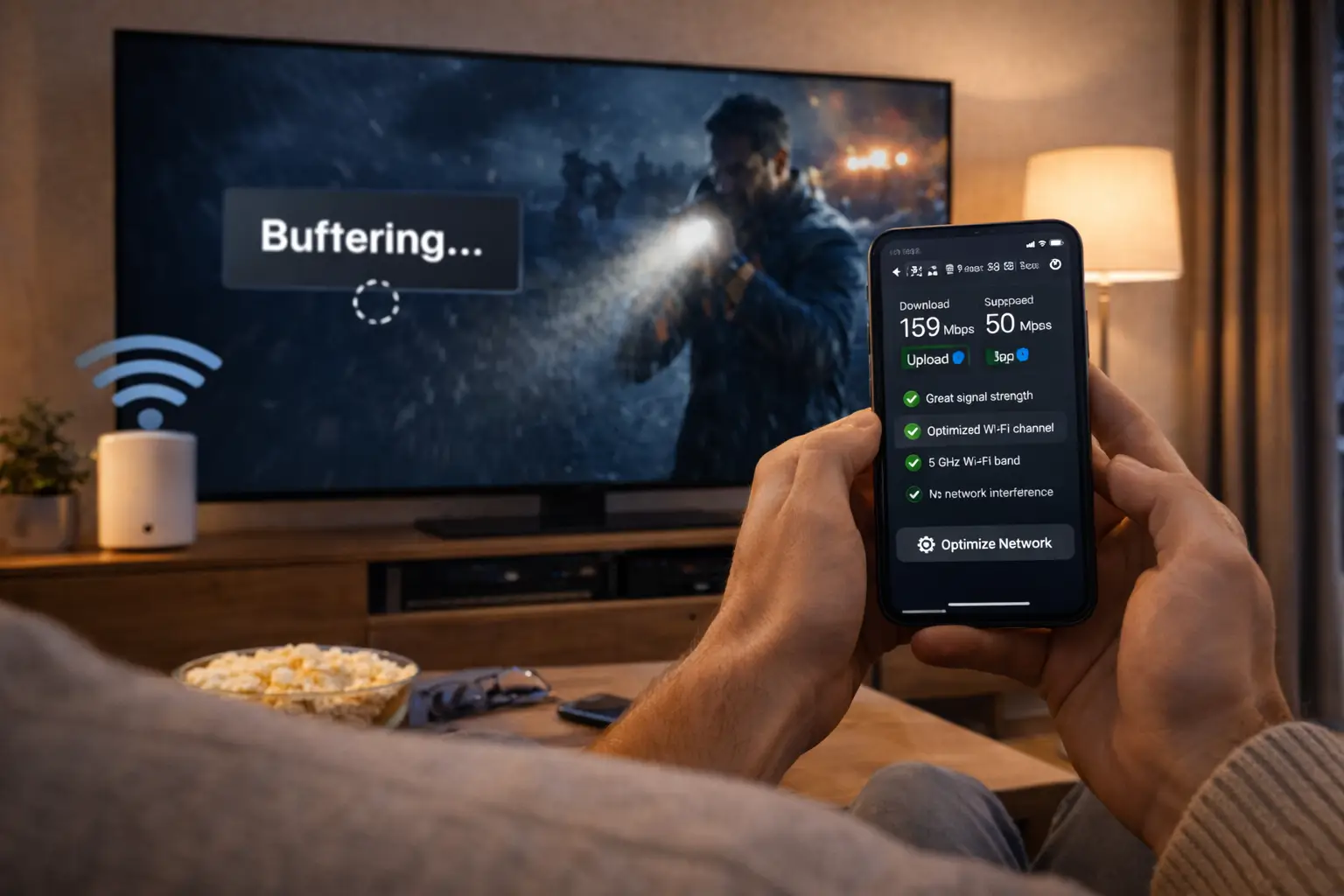
Keep in mind: IPTV quality follows your connection. Weak Wi-Fi, a busy network or an old device can cause pauses even with a strong service. Test your speed on the viewing device before you decide, and use an Ethernet cable where you can. With cable, those home-network factors do not affect the TV signal.
Reliability: what can go wrong with each
No TV service is perfect, and the honest comparison is not “which one never fails” but “which failures are you more comfortable handling”. The two technologies have different weak points, and knowing them helps you decide which one your household will live with more easily.
IPTV handles well
- Moving between rooms and devices without extra boxes
- Replacing a failing device yourself, the same day
- Starting, stopping or changing duration without a contract
- Bringing live and on demand together in one app
IPTV asks more of you
- A steady home connection at the TV, ideally by cable
- A little setup for the player and the TV guide
- Closing the player when switching screens, with 1 connection per pack
- Checking problems on your side before calling support
Cable’s weak points are the mirror image. It does not depend on your home network, but it ties you to the provider’s equipment and schedule, and moving TV to a new room or device can mean new hardware. When an IPTV picture pauses, the cause is very often between the router and the TV, and a cable or a router restart fixes it. Our IPTV troubleshooting hub sorts problems by symptom, with dedicated pages on buffering and freezing.
Getting help when something goes wrong
Support works differently with each technology, because the problems are different. With cable, a fault on the line or in the box is usually the provider’s to fix, sometimes with a technician visit, and the timing depends on their availability. Your part is mostly to report it and wait.
With IPTV, most problems can be solved remotely, and many can be solved by you in a few minutes once you know where to look. A login that fails is usually a typing error. A picture that pauses is usually the Wi-Fi between the router and the TV. An empty TV guide usually needs a refresh or a time zone check. Support’s job is to help you find which one it is, quickly, in your language.
What to send support for the fastest answer
Name the device and the player you use, say whether the TV is on a cable or Wi-Fi, describe what you see in one sentence and, if you can, attach a photo of the screen. With those four details, our team can usually point to the cause in the first reply. We answer 7 days a week by e-mail and WhatsApp, in English and French, and we help with setup on every supported device, even though we do not make the player apps themselves.
The difference in practice is that IPTV puts more of the fix within your reach. Some households like that; others prefer to hand every problem to someone else. Neither preference is wrong, and it is worth being honest with yourself about which one describes your home before you choose.
IPTV vs cable for five kinds of households
Abstract comparisons only go so far. Here is how the decision tends to look for five common kinds of Canadian homes. Find the one closest to yours; if you fit two, take the stricter requirement from each.
One connection covers you, and IPTV’s flexibility costs you nothing. The deciding factor is your speed at that TV.
Then: test the speed at the screen in the eveningCount the screens that run at the same time. With IPTV, ask support about more simultaneous screens before deciding.
Then: compare the answer with your current setupCable’s independence from your home network is a real advantage. Improve the path to the TV before trying IPTV.
Then: try a cable from the router, then retestA large on-demand library in the same app as live TV is where IPTV shines.
Then: look at the VIP Premium Pack figuresA one-time payment with no automatic renewal fits you, and a short period lets you compare without risk to your current plans.
Then: start with a 1-month periodThese are tendencies, not verdicts. A household with a slow connection may still prefer IPTV on a tablet for a second room, while keeping cable on the main TV. A family that watches together may still choose cable for its familiar box. The scenarios simply show which points deserve the most weight in your own decision.
Moving house, renovating or changing rooms
Life changes, and TV has to follow. Moving to a new address, finishing a basement or turning a spare room into a den all affect how you watch. Here the two technologies behave very differently, and the difference is easy to overlook when you compare offers on a quiet evening.
With cable, a new room or a new address usually means involving the provider: a new outlet, a box moved or added, or a transfer of service with its own timing. With IPTV, your subscription is tied to your credentials, not to a line in the wall. When you move house, you set up internet at the new address, plug in your device and log in as before. When you add a room, you place a supported device there and install the player. The one-connection rule still applies, so one screen streams at a time, but nothing needs rewiring.
Bring your device, connect it to the new home internet and log in with the same access e-mail.
Then: run a speed test at the TV in the new homePlan an Ethernet run or a strong Wi-Fi point near the new TV before the drywall goes up.
Then: install the player on the basement deviceCheck the Wi-Fi strength in the new spot, since a good signal in one room can be weak in another.
Then: switch to a cable if the speed dropsComparing cost without guessing
“Is IPTV cheaper than cable?” is the question we hear most, and the honest answer is that it depends on the offers you compare and on what your home needs. We do not quote prices here, ours or anyone else’s. What we can give you is a way to compare that does not rely on headline numbers, which often leave out equipment, extra rooms and what happens after a promotion ends.
- List what you pay today for TV, including any box rental and extra outlets.
- Note whether your current price is promotional and when it changes.
- Check whether your offer has a contract and what stopping it involves.
- Count the screens that play at the same time in your home.
- Note whether you would need a streaming device for IPTV, or whether your TV runs a player already.
- Check whether your chosen player asks for a publisher licence, on the app’s official website.
- Look up current IPTV prices for the pack and duration that fit, on the plans page.
- Compare the cost per month over the same period for both, with all the above included.
A like-for-like comparison over the same period, with equipment and extras counted, gives you a number you can trust. Remember that cost per month on IPTV Canada varies with the duration you choose, and that nothing renews automatically, so there are no surprise charges at the end of a period. If the comparison is close, the deciding factors are usually flexibility and how steady your internet is at the TV.
Running IPTV and cable side by side
You do not have to choose one forever. Some households keep cable for certain habits and add IPTV for flexibility, for example to watch on a tablet or in a room without a box. Others try IPTV for a short period to see whether it covers their needs before changing anything. Because IPTV Canada has no contract and no automatic renewal, it fits comfortably alongside an existing service.
A side-by-side test in six moves
- List your must-haves. Write down the live content, series and movies your household cannot do without.
- Measure your speed. Run a speed test on the TV or device you would use for IPTV.
- Count your screens. Note how many people watch at the same time and on which devices.
- Read your current terms. Check the contract, renewal and equipment conditions of your current service.
- Start small. Choose a short IPTV duration to compare both in real conditions.
- Decide with facts. Keep what works best for your home, or keep both if that suits you.
During the test, use IPTV for the things you watch most, not just for occasional viewing. A fair comparison needs real evenings: the busy hours, the favourite programs, the moments when two people want different things. Our page on the 1-month IPTV subscription explains why a short period works well for exactly this kind of test, and nothing renews when it ends.
A calm switching plan
If your side-by-side test convinces you, switching does not need to be rushed. The safest approach is to keep your current service running until IPTV has proven itself on every screen that matters, and only then change your cable arrangement according to its own terms.
Start by installing IPTV on the main TV and one second device, and run them for a few weeks of normal viewing. Move any remaining habits across one at a time: the morning news, the weekend movies, the children’s shows. Once nothing is left that only cable covers, check your cable terms for what stopping involves, including any equipment to return. Keep your IPTV access e-mail somewhere safe, and choose your next duration with real experience behind you.
Bring the rest of the household along as you go. Show each person how to open the player, find their favourites and close the app when they leave a room, since one forgotten stream on a bedroom TV is the most common reason a second screen refuses to play. Write the basic steps on a card near the main TV if it helps. A switch that the whole family understands is a switch that sticks; one that only a single person knows how to operate tends to send everyone back to the old box at the first hiccup. If anyone prefers French menus or subtitles, set them up in the player during this phase rather than after the cable service has gone.
Deep dive: preparing your home network for the switch
When IPTV becomes your main TV service, your home network carries television as well as everything else. A few preparations make that comfortable. Connect the main TV’s device with an Ethernet cable if you can, since it removes most playback issues. Move the router out of cabinets and away from the back of the TV. If the router is old, check that it offers the 5 GHz band and that its ports keep up with your plan. Schedule large updates and backups outside your usual viewing hours. And run a speed test at the TV in the evening after each change, so you know which one helped. Our guide on an IPTV app that can’t connect covers the login side if anything goes wrong during setup.
The IPTV vs cable decision matrix
To close the comparison, here is a matrix that sums up which option tends to suit each priority. Find your two or three most important priorities and see which column they point to. If they point in different directions, keeping both for a while is a perfectly reasonable answer.
| Your priority | Tends to favour | Why |
|---|---|---|
| Watching on phones, tablets and any TV | IPTV | Same credentials on every supported device, one at a time |
| No contract and no automatic renewal | IPTV Canada | One-time payment for 1, 3, 6 or 12 months |
| Large on-demand library with live TV | IPTV | Series and movies in the same app as live channels |
| Self-installation on your own schedule | IPTV | Access by e-mail within minutes, no appointment |
| Picture independent of home internet | Cable | The TV signal does not use your home bandwidth |
| Several separate screens every evening | Depends | Ask IPTV support about extra screens, compare with your cable boxes |
| A familiar box and remote for everyone | Cable | One provider guide, no player to choose |
Whichever way the matrix points, base the final decision on a real test at home rather than on a table. Your speed at the TV, your household’s habits and how comfortable you feel with each setup will tell you more than any comparison page can.
Terms used in this comparison
A few terms come up repeatedly when comparing the two. Here they are in plain English.
- IPTV
- Internet Protocol Television: TV delivered through your home internet connection to a player app.
- Cable
- TV delivered through a dedicated line from a provider to a box connected to your TV.
- Player app
- The app that reads your IPTV subscription and shows channels, series and movies.
- EPG
- The electronic programme guide: the grid showing what is on now and next.
- Simultaneous connection
- One stream playing at a time. Each IPTV Canada pack includes 1.
- Automatic renewal
- A plan that charges again when it ends unless you stop it. Ours never renew.
- Xtream Codes
- A login made of a server URL, a username and a password, sent by e-mail.
Where to go from here
If the comparison leans toward IPTV for your home, the pages below help you choose a provider, a pack and a device. If it leans toward cable, or toward keeping both, you now have the questions to ask about your current service.
Ask before you switch
Tell us your devices, your speed and how many screens you use. We reply 7 days a week in English or French.
FAQ
Is IPTV cheaper than cable?
It depends on the offers you compare and your needs. Compare the cost per month over the same period, including equipment and extras. Current IPTV Canada prices are on the plans page.
Do I need cable to use IPTV?
No. IPTV needs a home internet connection, a supported device and a player app. You can use it on its own or alongside cable.
Will IPTV work on every TV in my house?
You can install the same credentials on every supported device. Each pack includes 1 simultaneous connection, so one device streams at a time.
Is IPTV picture quality as good as cable?
IPTV Canada offers HD, Full HD and 4K. What you see depends on your speed at the screen: 10 Mbps for HD, 15 Mbps for Full HD, 25 Mbps for 4K.
Is there a contract with IPTV Canada?
No. You pay once for 1, 3, 6 or 12 months, by card or PayPal, in Canadian dollars, with no automatic renewal.
Can I keep cable and add IPTV?
Yes. Many homes use both, for example cable on the main TV and IPTV on tablets or in a room without a box.
Does IPTV need a technician?
No. You install a player from your device’s official app store and enter the access we send by e-mail within minutes.
What happens to IPTV if my internet goes down?
IPTV stops until the connection returns, because it travels over your internet. Cable’s TV signal does not depend on your home connection.
Can I watch IPTV on two TVs at once?
Each pack includes 1 simultaneous connection. For more screens at the same time, contact support for the conditions and price.
Who can help me set up IPTV?
Our support team answers 7 days a week by e-mail and WhatsApp, in English and French, and helps you on each device.