The IPTV Canada price on our plan cards is the price you pay. There is no installation charge, no box to rent and no new line on your bill three months later. This page explains how that price is built, how to compare the cost per month yourself, what the price covers and what it leaves out, and how to spot offers elsewhere that look cheaper than they really are. We deliberately quote no amounts here: prices are kept current on the IPTV subscription plans page and on each product page, so you always compare live figures rather than a copy that might have aged.
If you are coming from traditional TV, the difference can feel unusual. There is no promotional rate that jumps after a year, no bundle mixing TV with other services, and no list of add-ons to decode. You see a price for a pack and a duration, you pay it once, and you know exactly what you get and for how long. The rest of this page is about making that simple price work as hard as possible for your household.
How the IPTV Canada price is built
Every price on our site is the product of two choices. Nothing is added on top at checkout, and the way you pay does not change the amount.
The pack decides how large the catalogue is and how strongly it leans towards 4K. The duration decides how long you watch and how much each month costs. Those two levers explain every figure on the plans page, and they are the only things you need to understand to compare our plans with each other or with any other provider.
| Price factor | Your options | Effect on what you pay |
|---|---|---|
| Pack | Premium, VIP Premium, Ultimate 4K | A larger catalogue or a 4K focus raises the price |
| Duration | 1, 3, 6 or 12 months | A longer duration lowers the cost per month |
| Payment method | Card or PayPal | No effect: same price in Canadian dollars |
| Contract or renewal | None | No future charges unless you order again |
| Number of devices installed | As many as you like in your home | No effect: 1 simultaneous connection per pack |
The last row surprises some people. Installing your login on a smart TV, a stick, a tablet and a phone does not cost more, because the price is tied to the connection, not to the devices. What the standard price covers is one stream playing at a time. More simultaneous screens are a separate request, handled by support, as explained further down.
The pack factor: what each catalogue adds
The three packs differ in catalogue size and in their 4K focus. A higher price buys a larger library or a stronger 4K line-up; it does not buy better rules, faster delivery or more support, which are identical across all three.
VIP Premium Pack
- 27,000+ channels
- 61,000+ series
- 155,000+ movies
- HD, Full HD and 4K
Ultimate 4K Pack
- 57,000+ 4K channels
- 47,000+ series
- 179,000+ movies
- 20 servers in Europe
The question to ask is not which pack is biggest, but which extra content your household would actually open. Moving from Premium to VIP Premium mainly adds series: from 24,000+ to 61,000+, along with more movies and channels. Moving to Ultimate 4K mainly adds a 4K line-up, with 57,000+ 4K channels and the largest movie library of the three. If nobody at home binges series and the main TV is Full HD, those extras have little value for you, whatever their size.
A useful habit is to estimate how your household’s viewing splits between live TV, series and movies. A home that spends most evenings on live channels gets the best value from Premium. A home where someone always has a show on the go gets more from VIP Premium. A home built around a 4K screen, with a connection to match, is the one where the Ultimate 4K price makes sense.
The duration factor: cost per month across four durations
Each pack is sold for 1, 3, 6 or 12 months, paid in one go. The longer the period, the lower the cost per month. That is the main lever you control to bring the monthly cost down, and it applies to every pack in the same direction.
| Duration | Single payment | Cost per month | Checkouts over a year | Best suited to |
|---|---|---|---|---|
| 1 month | Smallest | Highest | Twelve | A first test, a short stay |
| 3 months | Small | Lower | Four | A season of viewing |
| 6 months | Medium | Lower again | Two | A settled household |
| 12 months | Largest | Lowest | One | Viewers who are sure |
The table shows the trade-off clearly. A small single payment buys flexibility, at the cost of a higher monthly rate and more checkouts. A large single payment buys the lowest monthly rate and peace of mind, at the cost of committing money for longer. Neither is wrong; the right choice depends on how sure you are about the months ahead.
Our pages on the monthly IPTV subscription and the 12-month IPTV subscription look at each end of that scale in detail: who the short format suits, how to use it as a test, and when a full year pays off.
How to compare the IPTV Canada price per month yourself
The fairest way to compare plans, ours or anyone else’s, is the cost per month. It turns different durations into one figure you can line up side by side. Here is the method, followed by a worksheet you can copy onto paper or into a note on your phone.
- Stay on one pack. Compare durations on the same pack first, otherwise you mix two variables at once.
- Write down each price. Open the plans page and note the price shown for 1, 3, 6 and 12 months.
- Divide by the months. Divide each price by its number of months to get the cost per month.
- Project over a year. Multiply each monthly figure by 12 to see what a full year costs with each duration.
- Add the context. Weigh catalogue size, 4K focus and support languages, not only the number.
A simple worksheet: fill each line from the current prices on the plans page.
You will see that the 12-month duration gives the lowest cost per month on every pack. The size of the gap between the shortest and longest durations is what tells you how much flexibility costs. If the gap is large compared with your budget, and you are confident in the service, a longer plan is the obvious move. If you are still unsure, the extra cost of a short plan is the price of finding out safely.
Tip: when you compare providers, compare the same thing. A price for one connection is not comparable with a price that claims several screens, and a monthly price that renews by itself is not comparable with a one-time payment.
One payment in Canadian dollars, no hidden fees
All prices are shown and charged in Canadian dollars. You do not need to guess an exchange rate or wonder whether the amount on your statement will match the one in your cart. You pay once, by card or PayPal, and that single payment covers the full duration you selected.
- No contract to sign and no early termination fee.
- No automatic renewal: access ends at the end of the period unless you order again.
- No equipment to rent: you use the TV, box, phone or computer you already own.
- No activation or setup charge added at checkout.
- No difference in price between card and PayPal.
- No extra cost for installing your login on several devices in your home.
Your card or PayPal provider may apply its own rules, such as foreign transaction fees on cards issued in another currency. Those are set by your provider, not by us. If you have a question about a specific charge on your statement, keep your order confirmation at hand and contact your provider or our support team. The checkout itself is explained on our page about IPTV payment in Canada.
This structure has one more benefit that is easy to miss: you always know the total cost of a plan before you commit. With services that renew by themselves, the real total depends on when you remember to cancel. With a one-time payment, the total is the price on the card, and nothing follows unless you choose it.
What the price includes and what it does not
A clear price also means being clear about its edges. The table below lists what your plan covers and what sits outside it, so nothing comes as a surprise after you pay.
| Item | Included in the price | Note |
|---|---|---|
| Full catalogue of your pack | Yes | For the whole duration you selected |
| Access by e-mail within minutes | Yes | Xtream Codes details or an M3U link |
| 1 simultaneous connection | Yes | Same login on several devices, one at a time |
| Support 7 days a week | Yes | By e-mail and WhatsApp, in English and French |
| Player app licence | No | Set by the app’s publisher, on its official website |
| Extra simultaneous screens | No | On request through support, with conditions and price |
| Internet connection | No | Your own line; speed needs depend on quality |
| Devices | No | You use the TV, box, stick, phone or PC you own |
Player apps are made by independent publishers and installed from your device’s official app store. Some, depending on the device and version, may charge for a publisher licence; check the current price on the app’s official website. We are independent from app publishers and do not sell or activate those licences, so that cost, if any, is separate from your payment to us.
Extra simultaneous screens are not part of the standard price either. Each pack includes one connection. If you need more screens playing at once, ask through the contact page; support will give you the conditions and the price for your situation.
The full cost of watching at home
The price of the plan is the largest part of what you spend on IPTV, but not the only one. Looking at the full picture helps you compare fairly with other ways of watching TV, and avoid buying a pack your home cannot make use of.
Your plan
Pack and duration, paid once in Canadian dollars. Current prices are on the plans page.
Your internet
Your existing line. Plan on 10 Mbps per screen for HD, 15 for Full HD and 25 for 4K.
Your device
Usually one you already own. An external box or stick can refresh an older TV.
Your player
From the official app store. Some publishers charge a licence; check their official website.
Extra screens
Only if you need several streams at once. Ask support for conditions and price.
For most households, the internet and the device are already paid for. The connection you use for e-mail and video calls is the same one IPTV runs on, as long as it delivers the speed per screen your chosen quality needs. The device is often the smart TV you own, or a small streaming stick. That is why the plan price is usually the only new cost.
The exceptions are worth checking before you order. If your connection struggles to reach 25 Mbps at the TV, paying for a 4K-focused pack wastes money, and a Premium or VIP Premium plan in Full HD gives better value. If your TV is old and its menus are slow, a modest external device may matter more to your evenings than a larger catalogue. Our hubs on IPTV devices and IPTV apps help you check both.
See the current prices
Three packs, four durations, one payment in Canadian dollars. Every price is on the plans page.
Comparing the IPTV Canada price with other providers
Comparing providers on price alone is how many people end up disappointed. Two offers with similar numbers can be very different products once you read the rules behind them. Before setting prices side by side, make sure each line below is answered for every provider on your list.
| Question to ask | Why it changes the comparison | Our answer |
|---|---|---|
| How many simultaneous connections? | A price for one stream is not comparable with one for several | 1 per pack; more on request |
| Does it renew automatically? | A renewing plan’s real total depends on when you cancel | No automatic renewal |
| What currency is charged? | Conversion can add fees you did not plan for | Canadian dollars |
| What duration does the price cover? | A monthly figure billed yearly is not a monthly plan | Shown on every plan card |
| Which payment methods? | Card and PayPal carry their providers’ buyer protection | Card or PayPal only |
| Can you reach support before paying? | Help after the sale matters as much as the price | 7 days a week, English and French |
Once each provider’s answers are on the same page, the prices start to mean something. A cheaper offer that renews by itself, charges in another currency and has no reachable support may cost you more in practice than a slightly higher price with clear rules. Our page on IPTV Canada reviews goes further into judging a provider on objective criteria rather than impressions.
Also compare catalogues on published figures, not adjectives. A provider that writes “huge library” without numbers gives you nothing to compare. Ours are on each product page: for example, 20,000+ channels, 24,000+ series and 100,000+ movies on the Premium Pack.
Reading price claims in IPTV ads
Advertising is designed to make a price look as attractive as possible. That is normal, but it means the first figure you see is rarely the whole story. The scenarios below show the most common ways a price is framed, and the question that brings out the real cost.
Check whether you pay that each month or pay a full year up front, with the monthly figure only as an illustration.
Then: find the total charged at checkoutThe lowest figure usually belongs to the smallest pack on the longest duration, not the plan you actually want.
Then: price the exact pack and duration you needAsk how many streams can play at once, in writing. A vague answer is itself an answer.
Then: compare on one connectionCountdown timers exist to stop you comparing. A fair price will still be there tomorrow.
Then: close the page and compare calmlyNone of these framings is necessarily dishonest. A monthly figure for a yearly plan can be a handy way to compare. But you should always know the total you pay today, the period it covers, the number of screens it allows and whether anything renews. If an ad leaves any of these unclear, the checkout page should answer them before you pay; if it does not, that is your signal to stop.
Warning signs of prices that look too good
The IPTV market has plenty of offers that seem unbeatable. Some are simply aggressive marketing; others hide problems you discover only after paying. Learn to tell the two apart before you hand over any payment details.
Signs of a fair offer
- Price shown in Canadian dollars with the duration stated
- The number of simultaneous connections written plainly
- A clear statement on automatic renewal
- Card or PayPal at a standard checkout
- Support you can reach before you pay
- Published catalogue figures you can compare
Signs to slow down
- A yearly price lower than most providers charge for a month
- Unlimited screens for a single low payment
- Lifetime access for a one-off charge
- Gift cards or private transfers as the only way to pay
- No way to ask a question before buying
- Bold promises about legality
Be careful: an extremely low price is not proof of anything on its own, but it is a good reason to ask more questions. Never pay by gift card or private transfer, never send card details by message, and never share an account between several households to split the cost: credentials are for one home only.
On legality, keep a neutral view: the technology is legal; whether a service is legal depends on the broadcasting rights it holds, so check before subscribing. Our guide Is IPTV legal in Canada? lists the questions worth asking any provider, us included.
What a higher price does not buy
It is natural to assume that a more expensive pack is better in every way. With our plans, that is not the case, and knowing why helps you avoid paying for something you will not get. The difference between packs is the catalogue and the 4K focus. Everything else is the same.
A higher price does not buy more simultaneous screens: every pack includes one. It does not buy faster delivery: access arrives by e-mail within minutes whichever pack you choose. It does not buy priority support: the same team answers every customer, 7 days a week, in English and French. And it does not buy a smoother picture on a weak connection: if your Wi-Fi struggles at the TV, the Ultimate 4K Pack will struggle too, because smoothness depends on the speed at the screen.
Deep dive: why your connection matters more than your pack for smooth viewing
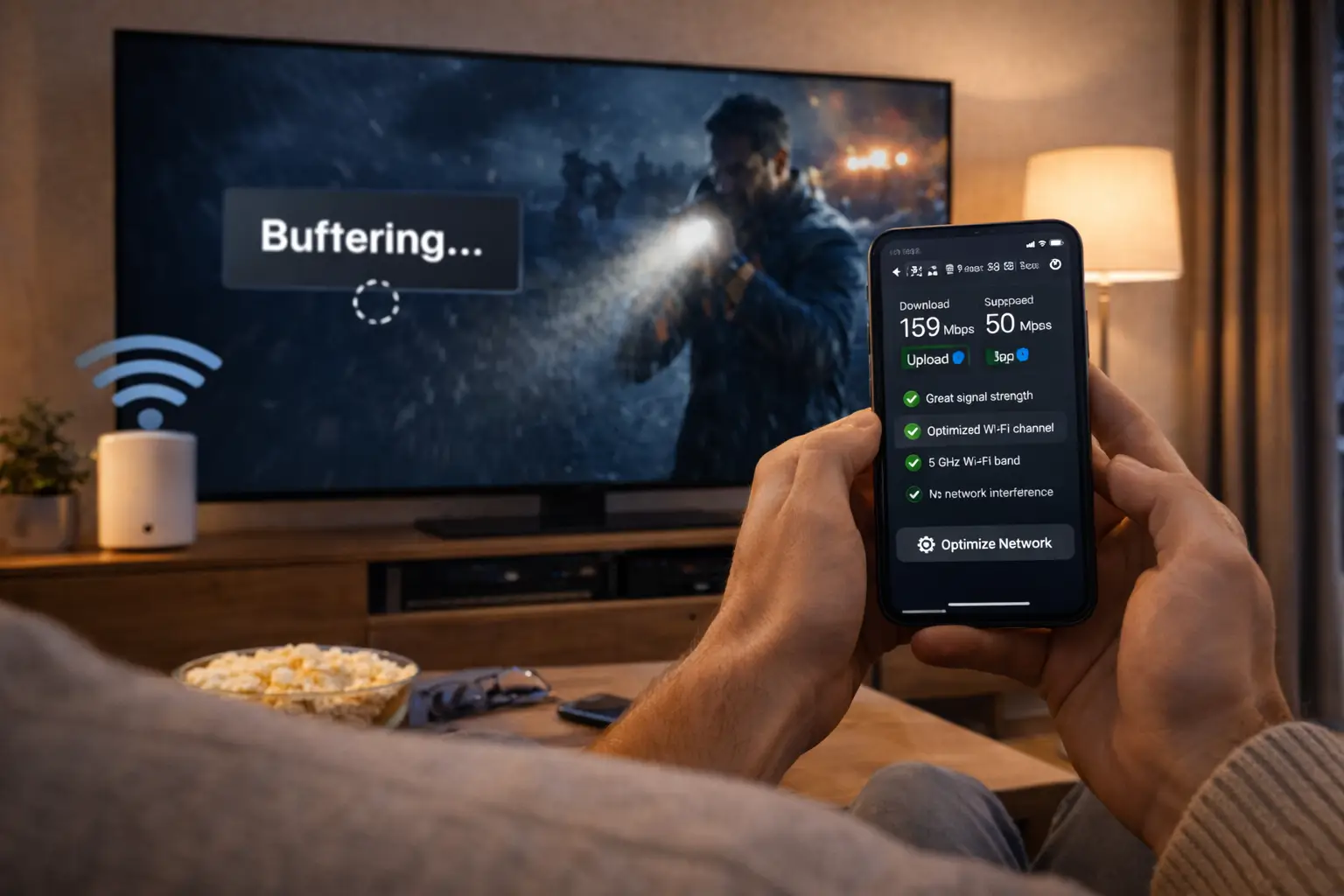
The picture you see depends on a chain: the provider’s servers, your internet line, your router, the Wi-Fi or cable to the device, and the device itself. A larger catalogue changes none of these links. If the evening speed at your TV is below 10 Mbps for HD, 15 Mbps for Full HD or 25 Mbps for 4K, the first fix is in the home network, not in the pack. Moving the device closer to the router, switching to the 5 GHz band or using a cable often does more for your evenings than any upgrade.
So when you weigh the price of a larger pack, weigh only what it adds: more series, more movies, more channels, or a 4K line-up. If those additions match your household’s habits, the higher price is good value. If they do not, the smaller pack gives you the same service for less.
Extra screens and how they affect the price
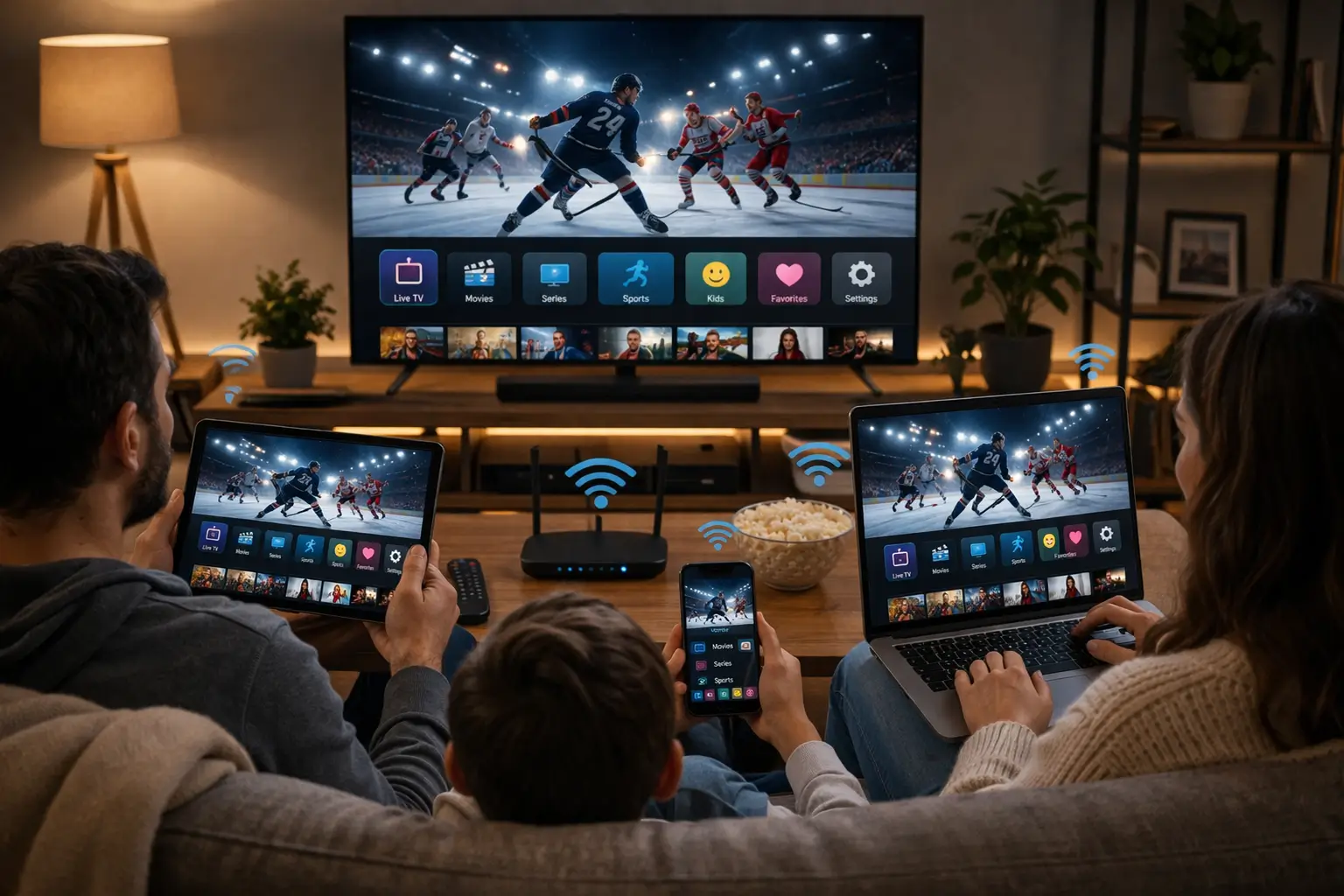
The standard price of every pack covers 1 simultaneous connection. You can install the same login on as many devices in your home as you like, but only one can play at a time. For many households, that is all they need: one main TV in the evening and a phone or tablet when the TV is off.
Before you ask for more screens
- Note how often two people really want to watch at once.
- Add up the speed: per-screen figures add together.
- Try a household routine for a week first.
- If the need is real, ask support for conditions and price.
- Never split one login between two homes.
If your household genuinely needs several screens playing at once, write to support through the contact page before ordering. The team will give you the conditions and the price for your situation. We do not publish a multi-screen price list, because the answer depends on what you need. Our page on IPTV on multiple screens explains the rule and gives practical routines for families who share one connection.
Remember the speed side too. Two screens in Full HD need around 30 Mbps together, and a 4K screen plus a Full HD screen need around 40 Mbps, measured where the devices are. A second connection only adds value if your line can carry it.
Is the Ultimate 4K price worth it for you
The Ultimate 4K Pack carries the strongest 4K focus of the three: 57,000+ 4K channels, 47,000+ series and 179,000+ movies, with 20 servers in Europe. Whether its price is good value depends entirely on your setup. The same plan can be excellent value in one home and wasted money in another.

Three questions before paying for 4K
- Is the main TV a 4K model, connected through an HDMI 2.0 or HDMI 2.1 input?
- Does the box, stick or smart TV app output 4K?
- Does an evening speed test at the TV reach 25 Mbps?
Recommended speed per screen, measured on the viewing device
If all three answers are yes, the Ultimate 4K price buys you what it is designed for. If one answer is no, you pay for picture quality your home cannot display, and the Premium or VIP Premium Pack, both of which include 4K where your setup allows it, will give better value. A short plan on the 4K pack is a sensible way to confirm the speed holds in real evenings before committing to a longer duration. Our guide to 4K IPTV explains each requirement in plain language.
Price compared with a traditional TV bill
Many households look at IPTV after receiving a TV bill that has crept up over time. Comparing the two fairly takes a little care, because the structures are so different. A traditional bill is usually monthly, often bundled, sometimes tied to equipment rental and a contract. Our price is a one-time payment for a fixed period, with your own devices and no contract.
A fair way to compare
Take your current TV bill and pick out only the TV part, including any box rental and fees. Multiply the monthly figure by 12 to get a yearly total. Then open our plans page, pick the pack that matches your viewing and note the 12-month price. Set the two yearly totals side by side, and remember to account for anything you would keep or lose, such as bundled services or a contract that still has months to run.
The comparison is not only about money. IPTV depends on your internet connection, while a traditional signal usually does not. Our neutral comparison of IPTV vs cable in Canada covers content, equipment, flexibility and terms point by point, so you can weigh price alongside everything else that matters to your home.
Some households keep both for a while: a reduced traditional service for the main TV and IPTV on other screens, or the other way round. There is no rule here, only your budget and your habits. A short plan lets you test the mix before changing anything else.
Moving, new devices and the IPTV Canada price
Life changes during a plan, and people often wonder whether those changes cost extra. In most cases they do not, because your price is tied to your login and its one connection, not to an address, a line or a particular device.
- Moving home. Your access moves with you. Connect the internet in the new place and log in again; there is no transfer fee.
- Replacing a TV or box. Install a supported player from the new device’s official app store and enter your details. The plan price does not change.
- Adding a tablet or phone. Install the same login and use it when the TV is off. One stream at a time remains the rule.
- Changing internet provider. Nothing changes on our side. Check the speed at each screen once the new line is running.
The only change that can affect what you pay is needing more simultaneous screens, which is handled on request by support. If your household grows or your routine changes so that two people regularly watch at once, ask about the conditions and price before your next order. Our guides for IPTV on Samsung and LG smart TVs and IPTV on Firestick help when a new device arrives.
Getting the best value for your household
The best price is the one that matches your real use. Paying for a 4K pack without a 4K TV, or for a year when you are moving next month, wastes money even when the cost per month looks attractive. Start from your habits and work towards the plan, not the other way round.
The cheapest plan is the one your household actually uses, for exactly as long as you are sure.
The Premium Pack covers your evenings without paying for libraries you will not open.
Then: choose the longest duration you are sure ofThe VIP Premium Pack’s 61,000+ series give the most value per hour watched.
Then: a long duration suits long seriesThe Ultimate 4K Pack is worth it once 25 Mbps holds at the TV every evening.
Then: test with a short plan firstA 1-month plan on the pack you expect to keep costs more per month but answers every question.
Then: move to a longer plan once confidentOnce you have chosen the pack, choose the longest duration you are comfortable with. That is the single biggest step towards a lower cost per month. Then compare the result on the plans page, and if anything is unclear, ask support before you pay rather than after.
Your price decision in five steps
If you have read this far, you have everything needed to choose. Here is the whole decision in one sequence, from your habits to the checkout, so you can make it in a few calm minutes.
- Step 1
Check the speed
Run an evening speed test at the TV. It tells you whether HD, Full HD or 4K is realistic.
- Step 2
Pick the pack
Match it to your habits: live TV, series or 4K. Ignore the biggest number if you will not use it.
- Step 3
Pick the duration
Choose the longest period you are sure about. Start short if this is your first time.
- Step 4
Compare per month
Use the worksheet on the current prices to confirm the cost per month of your choice.
- Step 5
Pay once
Card or PayPal, in Canadian dollars. Your access arrives by e-mail within minutes.
If any step leaves you unsure, stop there and ask. A question to support before you pay costs nothing and often saves you from choosing the wrong pack or duration. The same applies to extra screens: ask about them before ordering, not after.
And if you are still between two options after all of this, choose the smaller commitment. A short plan on a smaller pack can always be followed by a longer plan on a larger one. The reverse means paying for something you have already decided you do not need.
A short price glossary
A few terms come up whenever IPTV prices are discussed. Knowing exactly what they mean makes any offer easier to read, ours included.
- Cost per month
- The price of a plan divided by its number of months. The fair way to compare durations and providers.
- One-time payment
- A single charge for the whole period. Nothing follows unless you place a new order.
- Automatic renewal
- A charge repeated without your action at the end of a period. Our plans have none.
- Simultaneous connection
- One stream playing at a given moment. Each pack’s price includes 1.
- Publisher licence
- A fee some player apps charge, set by the publisher on its official website, separate from our price.
- Foreign transaction fee
- A charge your card provider may add for payments in a currency other than your card’s.
If you meet a term on another provider’s site that is not on this list, ask them to explain it in writing before you pay. A clear provider will. You can also ask our support team how any term applies to our plans; the answer comes in English or French, 7 days a week.
Prices themselves can change over time, which is exactly why we keep them in one place. Whatever you paid covers the pack and duration you selected, and the plans page always shows the figures that apply to a new order today.
Related pages about plans and price
These pages go deeper on the questions that usually follow a price comparison.
A question about the price
Ask before you pay: our team answers 7 days a week by e-mail and WhatsApp, in English and French.
FAQ
Why is there no price on this page?
Prices can change, so we keep them in one place. See current prices on the plans page and on each product page, always shown in Canadian dollars.
Are there any fees on top of the price?
No. There is no contract, no setup charge, no equipment rental and no automatic renewal. Your card or PayPal provider may apply its own fees, which we do not control.
Which duration gives the lowest cost per month?
The 12-month duration gives the lowest cost per month on every pack. Divide each price by its number of months to check.
Does the price include several screens?
Each pack includes 1 simultaneous connection. You can install the login on several devices and use them one at a time. For more screens at once, contact support for the conditions and price.
Do I need to pay for a player app?
Some player apps charge for a publisher licence. Check the current price on the app’s official website. We are independent from app publishers.
Is the price different with PayPal?
No. Card and PayPal give the same price for the same pack and duration, charged once in Canadian dollars.
Can I pay in another currency?
Prices are charged in Canadian dollars. If your card is in another currency, your provider handles the conversion under its own terms.
Why does the Ultimate 4K Pack cost more?
It has the strongest 4K focus, with 57,000+ 4K channels and 179,000+ movies. It is worth it when your TV, device and connection all support 4K.
Will I be charged again when my plan ends?
No. Access simply ends. You pay again only if you place a new order for the pack and duration you want.
Does it cost more to install the login on several devices?
No. You can install the same login on as many devices in your home as you like at no extra cost. Only one can play at a time with the standard price.
Does the price change if I move?
No. Your access is tied to your login, not to an address. Log in again in your new home once the internet is connected.
Is a very cheap IPTV offer a bad sign?
Not on its own, but it deserves questions: connections, renewal, currency, payment methods and support. If the answers are vague, be careful.