Need a hand with your subscription, or a question before you order? This page shows every way to contact the IPTV Canada team, which channel fits which question, what to put in your message so the first reply solves it, and what happens once you press send. It belongs to our IPTV support section, where you will also find quick answers and the limits of what support can do.
Ways to contact IPTV Canada
Here is everything you need at a glance. Both channels reach the same team and feed the same queue, so pick the one that suits the moment.
Contact form, reply by e-mail
At the bottom of this page. Best for orders, payments, multi-screen requests and anything you want in writing in your inbox.
+33 6 44 65 43 13. Handy when you stand in front of the TV and want to send a photo of an error.
7 days a week
Messages are read every day, weekends included, and handled in the order they arrive.
English or French
Write in the language you prefer. The reply comes back in that same language.
There is no phone line and no live chat window. All our help is written, which has a real advantage: you keep every step the team sends, you can follow it at your own pace with the remote in hand, and you can pass it on to whoever handles the TVs in your home. Sending the same message on both channels, or several times on one, does not move it up the queue; one clear message is always the quickest route.
Which channel suits your question
Most people choose by habit, and that works well enough. Still, some questions travel better by form and others by WhatsApp. This table is a quick guide to the cases we see most.
| Your situation | Best channel | Why |
|---|---|---|
| Access e-mail not received after ordering | Contact form | The reply goes to your inbox, where your details will also arrive |
| Error message on the TV right now | A photo of the screen shows the exact wording | |
| Request for two or more screens at once | Contact form | You will want the conditions and price in writing |
| Which pack or duration to choose | Either | Both reach the same team with the same answer |
| Payment confirmed but no login | Contact form | Include the date, the method and the order e-mail |
| Stuck on one setup step | Quick back-and-forth while you hold the remote |
Whichever you choose, stay on it for the whole conversation. Two parallel threads about the same problem can produce two replies that cross each other, and you lose time reconciling them. If you think of something after sending, add it to the same thread rather than starting a new one.
A word about attachments: the form is designed for text, so describe any error in words, copying the message exactly as it appears, capital letters included. On WhatsApp, a photo does that job for you. If you send one, check it first: if the player shows your password on screen, cover it or take a photo of another screen. Your username is enough for us to find your access.
What to include when you contact our team
A complete first message is the difference between a reply that solves the problem and a reply that asks questions. Three groups of information cover nearly every case.
- Your order details. The e-mail address used for your order and the pack you chose, for example the Premium Pack, with its duration of 1, 3, 6 or 12 months.
- Your device and player. For example a Fire TV Stick with TiviMate, or a Samsung smart TV with IBO Player, and whether you logged in with Xtream Codes or an M3U link.
- The problem. What you did, what you expected and what happened instead. The exact error wording, or a photo of it on WhatsApp, saves a full round.
- What you already tried. Router restart, device power-off, cache cleared, another device tested. Listing it avoids being asked to do it again.
A well-filled form: the team can find your order and picture your screen from the first line.
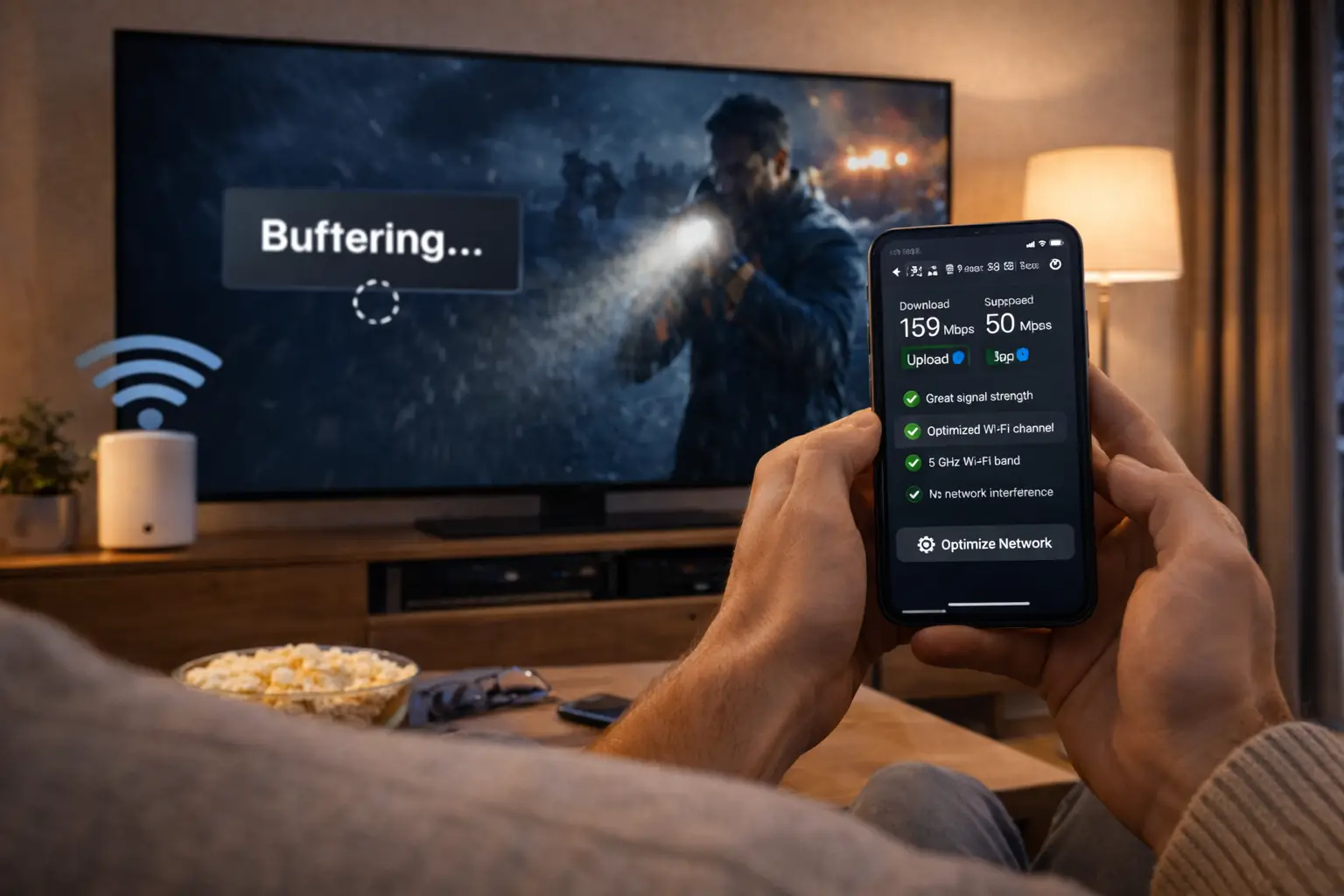
Tip: if you are writing about buffering, add a speed test run on the TV itself, in the evening. As a guide, plan for 10 Mbps per screen in HD, 15 Mbps in Full HD and 25 Mbps in 4K.
A good subject line helps as well. “LG TV, IBO Player, login refused” tells the team the device, the app and the symptom before they open the message. “Help!!” tells them only that something is wrong. You do not need to write much, but every word should carry information.
Sample messages for common situations
Not sure how to phrase it? These short examples show the level of detail that gets a useful first answer. Adapt them to your own case; there is no fixed format.
“I ordered the VIP Premium Pack for 6 months with this address. I checked spam and promotions and found nothing. The PayPal confirmation arrived.”
Result: the team checks the order and the address“Fire TV Stick, TiviMate, Xtream Codes. I copied the details from the e-mail. The app says invalid login. Other devices are not playing.”
Result: the team checks the details and the format“Samsung TV in the basement, IPTV Smarters Pro. Pauses every few minutes after dinner only. Speed test on the TV is lower at night.”
Result: advice on Wi-Fi, quality and cabling“We want the living room TV and a bedroom box playing at the same time on weekends. Both are on Ethernet.”
Result: conditions and price for extra screensNotice what these examples have in common: a device, a player, a symptom and one detail that narrows the cause. “Other devices are not playing” rules out the one-connection rule. “After dinner only” points at evening congestion. “Both are on Ethernet” tells the team that your network is ready for more than one stream. One extra sentence like that can replace a whole exchange of questions.
Deep dive: writing about a problem that comes and goes
Intermittent problems are the hardest to describe because they may not be happening when you write. Keep a short note for a few days: the date, the time, the device, the quality and what happened. Then send the whole note in one message. A pattern such as “only on the bedroom TV, only after eight in the evening” is far more useful than a description of the single worst evening.
Before you contact us: two-minute self-checks
Some problems are solved faster at home than by message. Running these checks before writing either fixes the issue outright or lets you tell us they are already done, which moves the conversation forward.
| Symptom | Try this first | Full guide |
|---|---|---|
| Nothing plays on any device | Restart the router, test a web page, check your end date | IPTV troubleshooting |
| Player says the login is wrong | Paste the details again, watch for spaces and capital letters | App can’t connect |
| Loading circle and pauses | Speed test on the TV, try a cable or the 5 GHz band | Buffering |
| Picture locks after a while | Update the player, clear its cache, power the device off | Freezing |
| Sound but no picture | Try another channel, a lower quality, another HDMI cable | Black screen |
| “Too many connections” | Close the player on every other screen using your login | Multiple screens |
If a check fixes it, you are done and you have learned something for next time. If it does not, mention the result in your message. “Router restarted, speed test on the TV looks healthy, problem only on this TV” is worth more than a paragraph of description, because it eliminates three of the four usual zones before the team even reads further.
Never send card details, or the password for your e-mail or any other service. Our team will never ask for them, by form, by e-mail or on WhatsApp.
Order and access e-mail questions
The most frequent reason people reach this page is a missing access e-mail. Your details are sent by e-mail within minutes of ordering, as Xtream Codes (server URL, username and password) or as an M3U link. When the message does not appear, the cause is usually close at hand.
- First
Search every folder
Spam, junk, promotions, updates and any custom filters. Search for “IPTV Canada”, “server” or “username”.
- Then
Check the address
Look at the payment confirmation: it shows the address used. A single wrong letter sends the details elsewhere.
- If still missing
Use the form once
Give the address you meant to use, the one in the confirmation and the name on the card or PayPal account.
- Do not
Order a second time
A new order creates a second subscription; it does not resend the first one.
Once the e-mail arrives, give it a permanent home: a folder named “TV” in your mailbox, or a starred message. You will reach for it again when a new device joins the household, when you reinstall a player, or when you move. Many requests that start with “I lost my login” end with the e-mail found in an old inbox.
If you no longer use the address you ordered with, write from the new one, quote the old one and the name on the payment, and ask how future messages should reach you. The team will tell you what is possible for your order. For the steps after the e-mail, our guide to setting up IPTV with Xtream Codes shows where each line goes in each player.
Contacting us about a payment
Payment questions are best sent through the form, because the reply will contain details you may want to keep. Our plans work in a simple way that explains most of the answers in advance: each pack is bought for a fixed period, paid once in Canadian dollars by card or PayPal, with no contract and no automatic renewal.
The situations we see most are a payment confirmation with no access e-mail, a PayPal or card step that seemed to stop halfway, and a question about when access ends. For each, the team needs the same three things: the e-mail address used at checkout, the date of the attempt and the method, card or PayPal. With those, the order can be found and the next step explained.
If a checkout did not finish, do not try again several times in a row in the hope that one attempt goes through. Write first. The team can tell you whether an order exists, and you avoid ending up with two subscriptions where you wanted one. If you simply want to understand checkout before paying, the page on paying for your IPTV subscription in Canada walks through it.
There is nothing to cancel at the end of a period. Access stops on the end date, and no further charge is made. If you want to continue, order the same pack or a different one; if you do not, you need do nothing at all. Many households add the end date to their calendar the day their details arrive, with a reminder a week earlier.
Multi-screen requests
Each pack includes one simultaneous connection. You can install the same credentials on several devices in your home and use them one at a time. If your household wants to watch on more than one screen at once, tell us how many screens you need and which devices you use. Support will reply with the conditions and the price. Our multiple screens guide explains the rules in detail.
What to put in a screen request
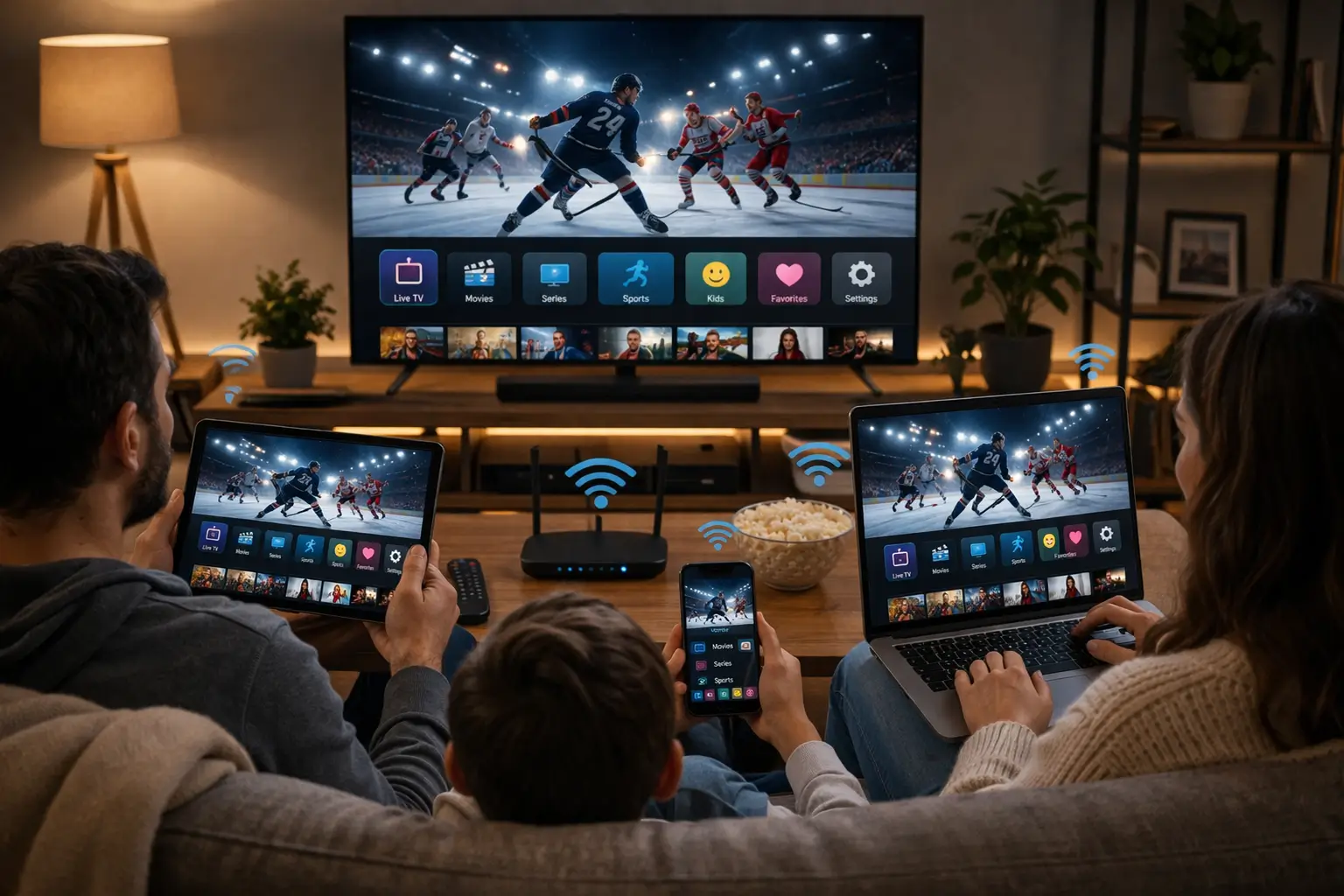
The number of screens you want playing together, the devices and rooms involved, the pack you hold or intend to buy, and how each TV connects to the internet. With that, the team can reply with conditions that fit your home rather than a generic answer.
- How many screens at the same moment
- Which devices, in which rooms
- Your pack, or the one you are considering
- Cable or Wi-Fi for each TV
Speed per screen, to add up for screens playing together
Do the sum before you ask. Two televisions in Full HD need 30 Mbps between them; a 4K TV in the living room and a Full HD box in the bedroom need 40 Mbps; two 4K screens need 50 Mbps. Those figures are for the streams alone, before phones, laptops and game consoles take their share. If your evening speed test is short of the total, one of the screens may need a lower quality.
One boundary stays the same whatever the number of screens: a login is for one household. Requests to cover a second home, a cottage rented to others or relatives in another city are not something we arrange. Within your own home, though, we are happy to look at what fits.
It also helps to describe when the screens overlap. Some families need two TVs together only on weekend evenings; others have a teenager watching upstairs every night while the parents follow a series downstairs. The pattern tells the team what you really need, and it helps you decide whether extra screens are worth asking for at all, or whether a simple household agreement about who watches when already solves it.
Device and player questions
Questions about a particular TV, box or app make up a large share of what we receive. The team knows the devices our service is built for: Samsung and LG smart TVs, Android TV and Google TV boxes, the Fire TV Stick, Apple TV, iPhone and iPad, Android phones and tablets, and PCs. On the app side, the usual players are IPTV Smarters Pro, TiviMate, Smart IPTV, IBO Player, XCIPTV and GSE Smart IPTV.
Typical device questions we answer
Which player suits an older smart TV. Whether a stick or a box is better for a TV with weak Wi-Fi. Where the time offset hides in a given player. How to move your login from an old box to a new one. Whether a particular device can show 4K at all.
- Device brand and model
- Player name and version
- System language of the device
We are independent from app publishers, so a few questions fall to them rather than to us. If a player asks you to activate a licence or a premium option, check the current price on the app’s official website. If an app has disappeared from your TV’s store, we cannot bring it back, but we can suggest another compatible player that works with the same login. And every player should come from your device’s official app store; we never send installation files.
If you have not chosen a device yet, our IPTV devices hub compares them, and the page on the IPTV Firestick setup is a good start for anyone adding a stick to an older TV. For the apps themselves, the IPTV apps hub sets out the strengths of each player.
Older televisions deserve a special mention. A smart TV that is several generations old may still run a player, but slowly, and some newer app versions no longer support it. If your messages describe slow menus, long loading times or a player that will not install, the team may suggest plugging a recent stick or box into the HDMI port instead. That is not a sales pitch, since we do not sell devices; it is simply the cleanest fix for hardware that has reached its limits.
Prefer to sort it out yourself first
The troubleshooting hub starts with two-minute checks and sends you to the right guide for your symptom.
Pack and plan questions before you buy
You do not need to be a subscriber to write to us. Questions before ordering are welcome, and they often save a household from picking the wrong pack or the wrong duration. Here are the three packs, so you can name the one you are considering.
VIP Premium Pack
- 27,000+ live channels
- 61,000+ series
- 155,000+ movies
- HD, Full HD, 4K
Ultimate 4K Pack
- 57,000+ 4K channels
- 47,000+ series
- 179,000+ movies
- 20 servers in Europe
To get a useful recommendation, tell us how your household watches. Mostly live, mostly series, mostly films? Does the main TV handle 4K, and what does a speed test on it show? How many people tend to watch at the same moment? With those answers, the team can suggest a pack and a duration that match, rather than the biggest option by default.
It is perfectly reasonable to start small. A household unsure about IPTV can begin with a 1-month period, see how the service fits its evenings, then choose a longer one. Our page on the 1-month IPTV subscription explains when that approach makes sense, and support can help you weigh it against a longer period if you describe your situation.
Every pack is sold for 1, 3, 6 or 12 months, paid once in Canadian dollars by card or PayPal, with no contract and no automatic renewal. Prices are shown on the IPTV subscription plans page, where you can see current prices for each duration. For payment steps, the page on paying for your IPTV subscription in Canada covers card and PayPal checkout.
When to contact someone other than us
Some problems look like IPTV problems but sit elsewhere in your home. Writing to the right party first saves you an exchange that ends with “this is outside what we can change”. Here is who usually handles what.
- Your internet provider
- A line that tests far below what your plan promises, frequent drops on every device, or a modem fault.
- The maker of your TV or box
- A device that will not start, a broken HDMI port, a remote that has stopped working, or a system update that fails.
- The player’s publisher
- Licence activation, premium features and the price of those options, bugs inside the app itself.
- Your device’s app store
- An app missing from the store on your model, or a store account problem.
- Our support team
- Your access details, where they go in a player, account rules, packs, payment and extra screens.
Grey areas exist, and you are always welcome to ask us first if you are unsure. Our team will say plainly when the cause lies outside our service, and will often give you the exact numbers or wording to take to your internet provider or device maker. A speed test on the TV that shows much less than your plan, for instance, is a concrete figure your provider can work with.
Some problems belong to two parties at once. A player that crashes only with very large channel lists may need an app update from its publisher and, in the meantime, a lighter setting suggested by us. In those cases we explain both sides, so you know what you can change now and what to report elsewhere.
Writing to us in English or French
Our team reads and writes both of Canada’s official languages. You do not have to ask for a French-speaking or English-speaking agent; just write, and the answer comes back in the language you used. If your message mixes both, which is common in bilingual homes, the reply follows the main language or asks which you prefer.
The best language for a support message is the one you would use to explain the problem to someone at your own kitchen table.
One detail makes a real difference: tell us the language your device displays. A box set to French shows “Paramètres” and “Réseau”; one set to English shows “Settings” and “Network”. If your TV speaks one language and you write in the other, mentioning it lets the team name the menu items exactly as you see them. That small detail avoids a lot of “I cannot find that option” replies.
Homes in Québec, in Montréal or in the francophone communities of other provinces can count on the same depth of help in French as anyone gets in English. Our regional pages, such as IPTV Montreal and IPTV Quebec, add advice for the homes and networks typical of those areas.
What happens after you send your message
Knowing the path your message takes helps you judge when to wait and when to add something. It is short and the same for every request.
Your message joins a single queue shared by both channels, and the team works through it in order of arrival, 7 days a week. When your turn comes, the team finds your order from the e-mail address, reads your description and replies with either the steps to follow or, if something is missing, a precise list of what they need. The more complete your first message, the more likely that first reply is the solution.
When you get the reply, follow the steps in order and answer in the same thread with the result of each one. “Step two worked, step three shows this message” is a perfect follow-up. Starting a new conversation instead means the person reading it may not see the history, and you lose the context you built up.
While you wait
If the issue is a playback problem, try the matching guide in our troubleshooting hub. If it is a setup question, have the access e-mail open on a phone near the TV. If it is a screen request, run an evening speed test on each TV involved. Whatever the team replies, you will be ready to act on it straight away.
If several days pass and your situation changes, for example the problem disappears on its own or gets worse, add a line to the same thread. That keeps your request accurate and avoids the team working on a version of the problem that no longer exists. A short update is always better than silence or a brand-new message.
Contact safety: what we never ask for
Any service that holds an account for you can be imitated by people looking for card numbers or passwords. A few clear rules let you recognise a genuine message from our team, and protect your household if someone tries to use our name.
A genuine reply from us may ask for
- The e-mail address used for your order
- Your username from the access e-mail
- Your device, player and its version
- A photo or copy of an error message
- A speed test result from the TV
We will never ask for
- Your card number, expiry date or security code
- The password of your e-mail or any other service
- Remote control of your computer or TV
- Payment through a link sent in a private message
- Identity documents of any kind
If you receive a message claiming to be IPTV Canada that asks for any item in the second column, it is not from us. Do not reply to it. Instead, write to us through the form on this page or the WhatsApp number shown at the top, and tell us what you received. The same applies to unsolicited offers of “lifetime access” or cheap extra screens from an unknown number: extra screens are only arranged through our own support, with conditions explained in writing.
Your own habits matter too. Keep your access e-mail private, never post a screenshot of it in a group chat or forum, and never share your login with another household. Sharing is not allowed, and it also means two homes competing for a single connection, with errors on both sides.
Getting the most from a support conversation
A support exchange works best as a short, focused conversation. A few habits on your side make each reply more useful and bring the whole thing to a close sooner.
- Keep one thread per problem, and one problem per thread.
- Follow the steps in the order given, even if one looks unnecessary.
- Reply with the result of each step, including “no change”.
- Change one thing at a time, so you know what made the difference.
- Keep the TV, box and player switched on while you wait for a reply about them.
- Say clearly when the problem is solved, so the case can be closed.
The “one problem per thread” habit matters more than it seems. If your bedroom TV buffers and you also want to ask about a longer duration, two short messages are better than one long one, because each lands with the right context and gets a focused answer. Mixed messages tend to get a reply to the first question and a request to repeat the second.
It also helps to be precise about time. “Yesterday around nine in the evening” or “every time I open the movies section” gives the team something to work with. “Sometimes” does not. If you cannot be precise, say so; the team will suggest how to observe the problem for a day or two before going further.
Finally, let us know when it works. A short “solved, thank you” closes the case and lets the team move on to the next household in the queue. If the same issue returns weeks later, reply in the same thread rather than starting a new one; the history is valuable.
Changes to your account or your home
Life changes, and a support message is often the first step when it does. Most changes need no new subscription at all; they just need the right steps.
Install a compatible player from that device’s official store and enter the details from your access e-mail.
Next: close the player on the old device firstYour access follows the household, not the address. The network is what changes.
Next: speed test on each TV, then adjust the guide’s time zone if neededYour channels and library come from the subscription, so nothing is lost by changing app.
Next: enter the same login in the new playerNothing renews automatically, so access stops on the end date.
Next: order the same or another pack on the plans pageIf you move across time zones, from Ontario to Alberta for instance, programmes in the TV guide may appear at the wrong hour until you change the time offset in your player. It takes a minute, and our IPTV EPG guide shows the setting in each app. If a device is lost, sold or given away, remove the player and its saved login from it if you still can, then write to us so the team can advise on your access.
Before you choose a plan
Not a subscriber yet? You can compare packs and durations and see current prices on the plans page. If you would like to know more about how we work first, read about IPTV Canada. Questions about which pack suits your home are welcome too: just ask in the form below.

A useful pre-order message
List the TVs and devices in your home, say how fast your connection is on the main TV, describe what the household watches most and how many people watch at the same moment. The reply will suggest a pack, a duration and anything to check before ordering.
- Devices and rooms
- Evening speed on the main TV
- What you watch most
- How many screens at once
If you are still at the very start, the what is IPTV guide explains the basics, and the best IPTV in Canada guide shows how to judge any provider, including us, before paying.
Related pages
These pages are the ones people most often open just before or just after writing to us.
Compare the packs before you write
Three packs, durations of 1, 3, 6 or 12 months, one payment and no renewal.
FAQ
How can I reach the IPTV Canada team?
Use the form at the bottom of this page, which replies by e-mail, or WhatsApp at +33 6 44 65 43 13. Both reach the same team, 7 days a week.
In which languages can I write?
English or French. The team replies in the language you use, and you can mention the language your device displays so menu names match your screen.
When will I get an answer?
Messages are handled in order of arrival, every day of the week. One complete message with your order e-mail, device, player and the problem is the quickest route.
Should I send my message on both channels to be safe?
No. Both channels feed the same queue, so a duplicate does not move you forward and can create two crossing replies. Pick one and stay with it.
Is there a phone number I can call?
No. Our help is written, by form and WhatsApp, so you keep every step and can follow it at your own pace with the remote in hand.
My access e-mail has not arrived. What should I send?
The address you meant to use, the address shown in your payment confirmation and the name on the card or PayPal account. Check spam and promotions folders first.
How do I ask for more than one screen at the same time?
Tell us how many screens you want playing together and on which devices. Support replies with the conditions and the price for your household.
Can I contact you before buying?
Yes. Questions about packs, durations, devices or speed are welcome before you order, and they often help you choose the right option.
Will you ever ask for my card number or a password?
Never, by any channel. If a message in our name asks for card details, passwords or remote access, do not reply and let us know through this page.
Can support help me with a player licence?
We are independent from app publishers. We explain how a player works with your subscription; for a licence, check the current price on the app’s official website.
Write to us
A question? Write to us
Describe your issue in a few lines. We reply by e-mail or WhatsApp, in English or French.
Message sent